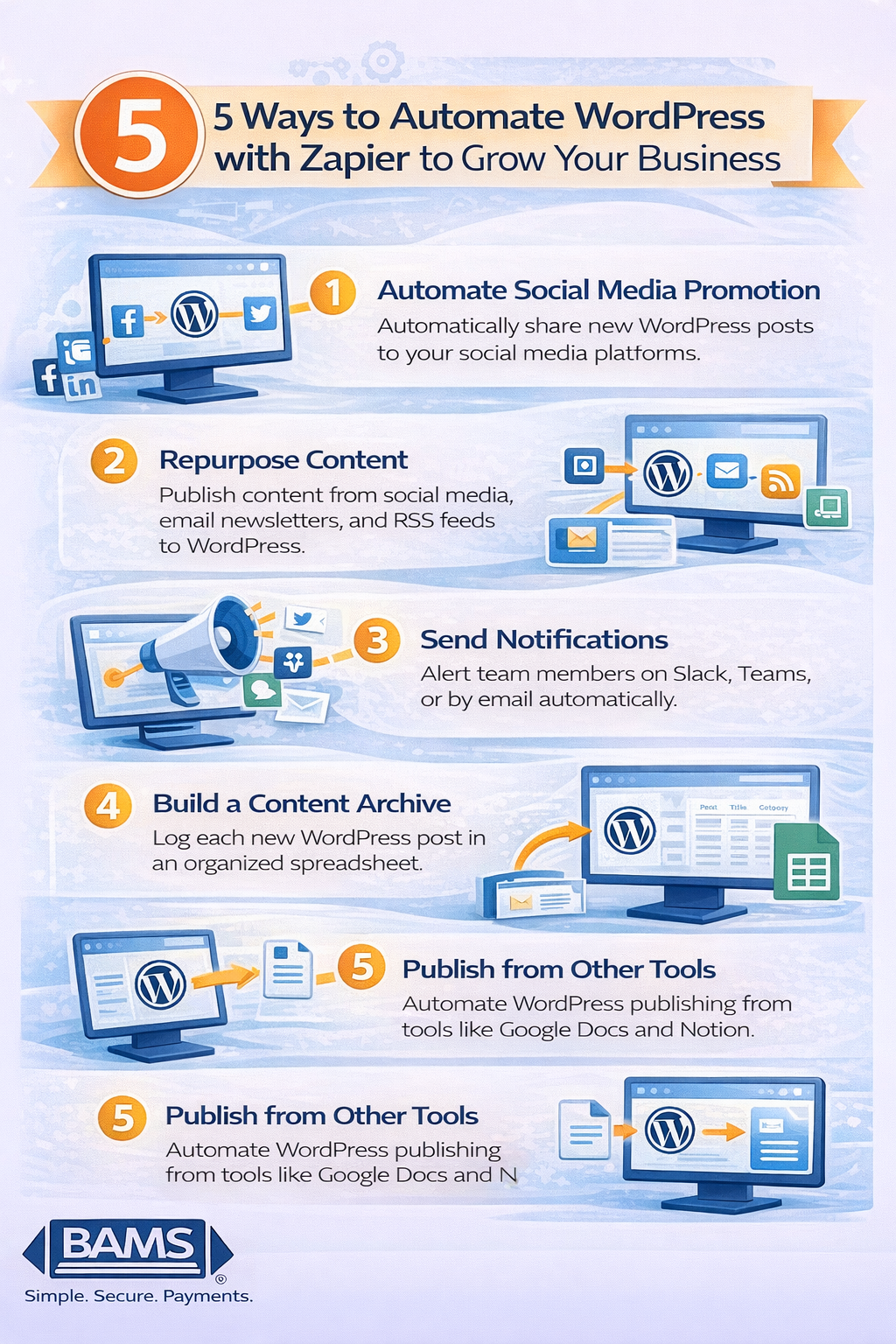
5 Ways to Automate WordPress with Zapier and Grow Your Business
Running a successful WordPress website involves much more than simply publishing blog posts. Businesses must manage social media promotion, email marketing, content organization, and internal notifications. Handling these tasks manually can quickly become overwhelming. One effective solution is to automate WordPress with Zapier, a powerful automation platform that connects WordPress with thousands of other applications. By automating repetitive workflows such as social media posting, content archiving, and team notifications, businesses can significantly reduce manual work and improve productivity.
At BAMS, we focus on helping businesses operate more efficiently through smarter payment processing and operational tools. Just as BAMS helps reduce payment costs, automation tools like Zapier help businesses streamline the logistical side of managing a website.
In this guide, we explore five practical ways to automate WordPress with Zapier so you can simplify your workflow, improve marketing efficiency, and focus more on growing your business.
Five ways businesses can automate WordPress with Zapier to streamline publishing, marketing workflows, and content management.
Why Automating WordPress Workflows Matters
Businesses that automate repetitive workflows can dramatically improve productivity and reduce operational overhead. According to McKinsey research, automation technologies can increase productivity by up to 20 to 30 percent in many business processes. Tools like Zapier allow WordPress users to automate content distribution, marketing notifications, and data management without writing custom code.
1. Automate Social Media Promotion
Running a successful WordPress website involves much more than simply publishing blog posts. Businesses must manage social media promotion, email marketing, content organization, and internal notifications. Handling these tasks manually can quickly become overwhelming.
Automation helps solve this challenge.
At BAMS, we help businesses operate more efficiently by optimizing payment processing and financial workflows. Operational efficiency matters just as much as financial efficiency. Tools like Zapier allow businesses to automate repetitive processes across WordPress so teams can focus on creating high quality content and growing their audience.
Zapier connects WordPress with thousands of applications. This makes it possible to automate workflows such as social media publishing, content repurposing, notifications, and content archiving.
Below are five practical ways to automate WordPress with Zapier and streamline your business operations.
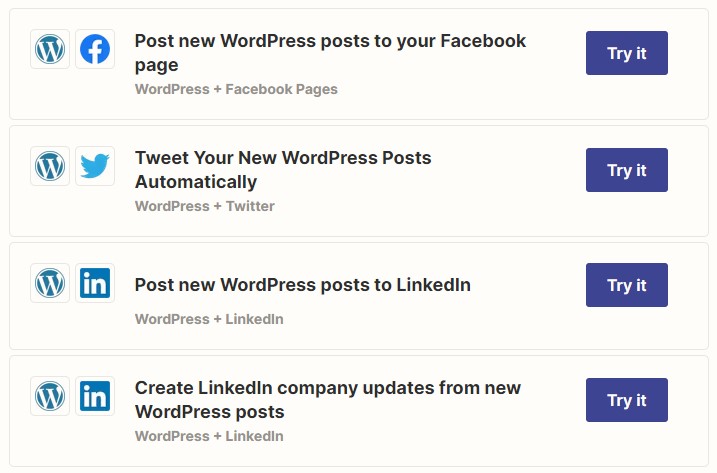
You can also connect Zapier with some email newsletter services, so that draft campaigns are created whenever you publish a new WordPress post.

2. Repurpose Content Across Platforms
Creating high quality content requires significant effort. That content should not live on just one platform.
Repurposing allows businesses to extend the reach of their content across multiple channels without creating new material from scratch.
Zapier makes it easy to repurpose content automatically.
Social Media
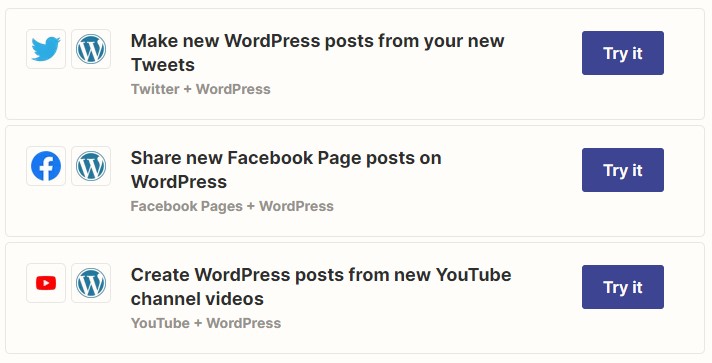
Many businesses publish valuable content on platforms such as Instagram, LinkedIn, or X. Instead of manually copying these posts into WordPress, Zapier can automatically convert social media content into new WordPress drafts or upload media directly into blog posts.
This helps create a centralized content hub on your website while saving time.
Email Newsletters
Email marketing remains one of the most effective digital marketing channels. Research from the Data and Marketing Association shows that email continues to deliver one of the highest returns on investment among marketing channels.
Zapier can automatically convert newsletter content into WordPress blog posts. This allows businesses to expand the reach of their email content and improve their website’s SEO visibility.

RSS Feeds
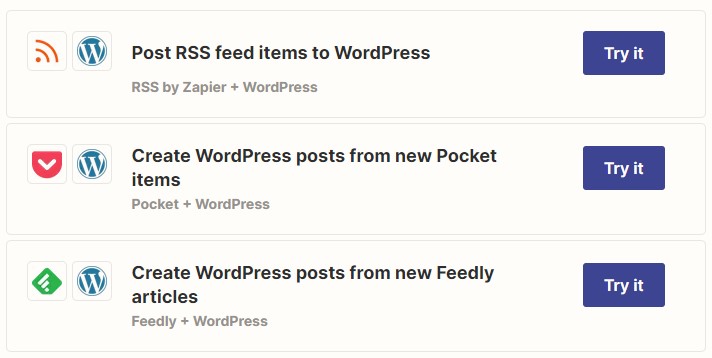
For businesses that curate industry news or publish across multiple platforms, Zapier can automatically pull content from RSS feeds and publish it to WordPress.
This automation is particularly useful for:
-
weekly industry roundups
-
curated news sections
-
multi-platform content publishing
3. Send Automated Notifications for New WordPress Posts
Content promotion should not rely solely on social media.
Many businesses benefit from notifying internal teams, partners, or communities when new content is published.
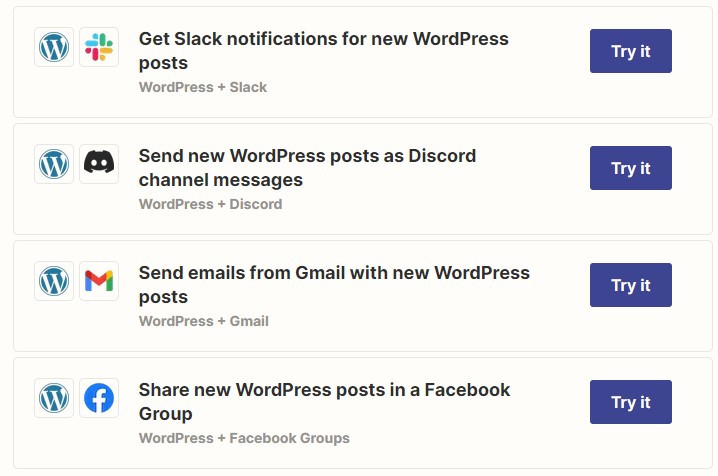
Zapier allows businesses to automatically send notifications whenever a WordPress post goes live.
Examples include:
-
Slack alerts to marketing teams
-
Microsoft Teams notifications
-
automated email updates
-
Discord or community platform announcements
This approach expands your content reach while eliminating the need for manual outreach.
Automated notifications help businesses maintain consistent engagement with their communities while reducing operational workload.
4. Build an Automated WordPress Content Archive
WordPress excels at managing a vast array of posts, pages, and media storage. However, navigating the backend can become challenging, especially when dealing with a substantial amount of content.
Consider the scenario where you aim to re-promote your most successful pieces within a specific category. While WordPress’s admin panel offers filtering options based on categories and tags, locating the ideal content for your re-promotion strategy still involves significant clicking and page loading.
To optimize your workflow and minimize time spent on page loads and clicks, you can create an internal archive without the need for manual link copying and pasting.
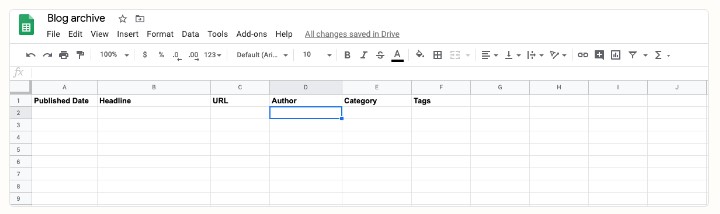
Begin by crafting a spreadsheet using your preferred application, which will serve as your comprehensive archive. Ensure you label the columns appropriately, capturing essential information such as publish dates, post titles, post URLs, and categories. Tailor the spreadsheet to include any additional data you wish to track.
This organized archive will serve as a valuable resource for the subsequent steps.
Next, make a Zap to automatically capture and record the details of every new WordPress post you create into the designated spreadsheet. Configure the Zap to accurately assign the relevant WordPress post data to the corresponding columns within the spreadsheet. Once activated, the Zap will seamlessly populate the spreadsheet with each newly published post. You can use any of these readily available pre-configured workflows to expedite your setup process.
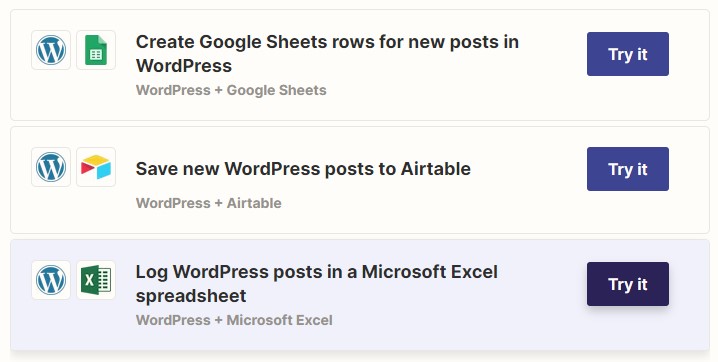
Now you can quickly scan relevant information about your content without combing through your WordPress admin panel. The best part: if you need to do a content audit in the future, you’ve just saved yourself from hours of heartache.
5. Automate WordPress Publishing from Other Tools
If you already generate content using a platform other than WordPress, there’s no need to burden yourself with manual post creation every time you finish working on another tool. Streamline your process by leveraging a Zap to automatically generate a new WordPress post as soon as your content is finalized in the alternate application.
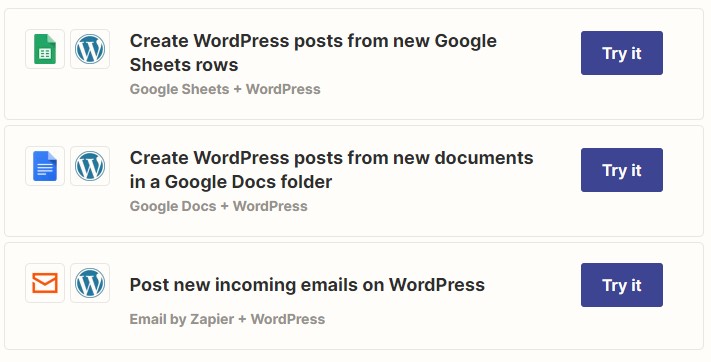
For instance, let’s say you gather fresh product details in a Google Sheet for user announcements. Rather than manually transferring and pasting this information into WordPress, a Zap can seamlessly create new posts based on each new row in your sheet. Alternatively, if you prefer writing in a Google Doc instead of WordPress, you can utilize a Zap to automatically transmit your completed posts to WordPress as soon as you move your draft to a designated folder of your choice.
Zapier is as a powerful tool for automation, streamlining various tasks and workflows within WordPress. By integrating Zapier with WordPress, users can leverage its capabilities to automate processes such as content creation, social media promotion, and data management. The ability to connect different applications and seamlessly transfer information between them not only saves time but also enhances productivity and efficiency.
Just as Zapier revolutionizes automation, BAMS serves as an effective tool for reducing costs. When combined, the automation capabilities of Zapier and the cost-reducing benefits of BAMS present a powerful combination for WordPress users. By embracing these tools, businesses can unlock new levels of efficiency, productivity, and financial control. Whether it’s automating content workflows or streamlining financial operations, leveraging these tools allows businesses to focus on what truly matters—growth, innovation, and delivering value to their customers.
Automation and Financial Efficiency
Automation tools like Zapier significantly improve operational efficiency for businesses that rely on WordPress.
At the same time, optimizing payment processing is equally important for financial efficiency.
Merchant service providers such as BAMS help businesses reduce payment processing costs while maintaining secure transactions.
Businesses that combine operational automation with optimized payment infrastructure can operate more efficiently and scale more effectively.
For example, companies that streamline both marketing workflows and payment processing can focus more resources on growth and customer experience.
Learn more about optimizing payments in our guide. You can also explore strategies to reduce transaction costs in our article.
Frequently Asked Questions
What is Zapier used for in WordPress?
Zapier connects WordPress with thousands of applications and automates workflows such as social media promotion, email marketing, notifications, and content publishing.
Can Zapier automatically publish WordPress posts?
Yes. Zapier can create new WordPress posts automatically when content is finalized in other tools like Google Docs, Notion, or spreadsheets.
Why should businesses automate WordPress workflows?
Automation reduces manual tasks, improves efficiency, and ensures consistent content promotion across multiple platforms.
What types of tasks can Zapier automate in WordPress?
Common automated workflows include:
-
publishing posts from external tools
-
sending social media updates
-
creating email newsletters
-
logging content into spreadsheets
-
sending notifications to teams
Does automation improve marketing performance?
Yes. Automation ensures consistent content distribution, which improves reach, engagement, and traffic while saving time for marketing teams.