Why Every Site Should Have E-Commerce Payment Processing
Last Updated on October 26, 2026 by Dimitri Akhrin
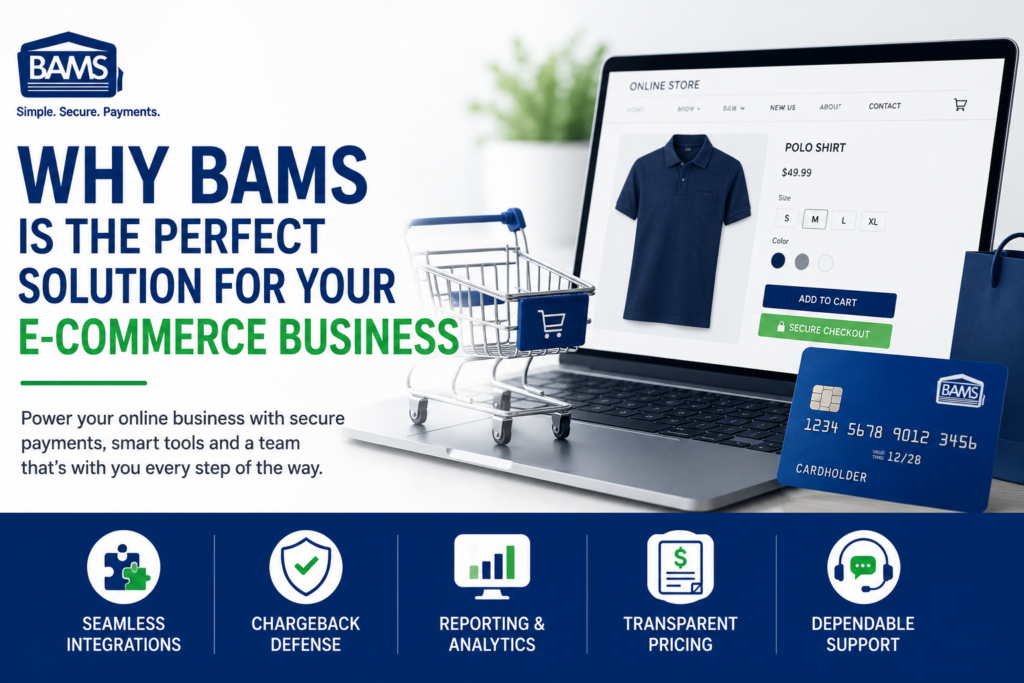
Shoppers expect to buy the moment they’re ready. If your website can’t take a payment, they’ll simply find one that can. That’s why every site that sells needs eCommerce payment processing. It lets you accept cards and digital wallets online, then moves the money into your bank account.
Below, you’ll learn how online payments work, what you need to get started, what it costs and how to choose the right provider.
TL;DR
- Online sales keep growing. eCommerce made up 17.1% of U.S. retail sales in Q2 2026, according to the U.S. Census Bureau.
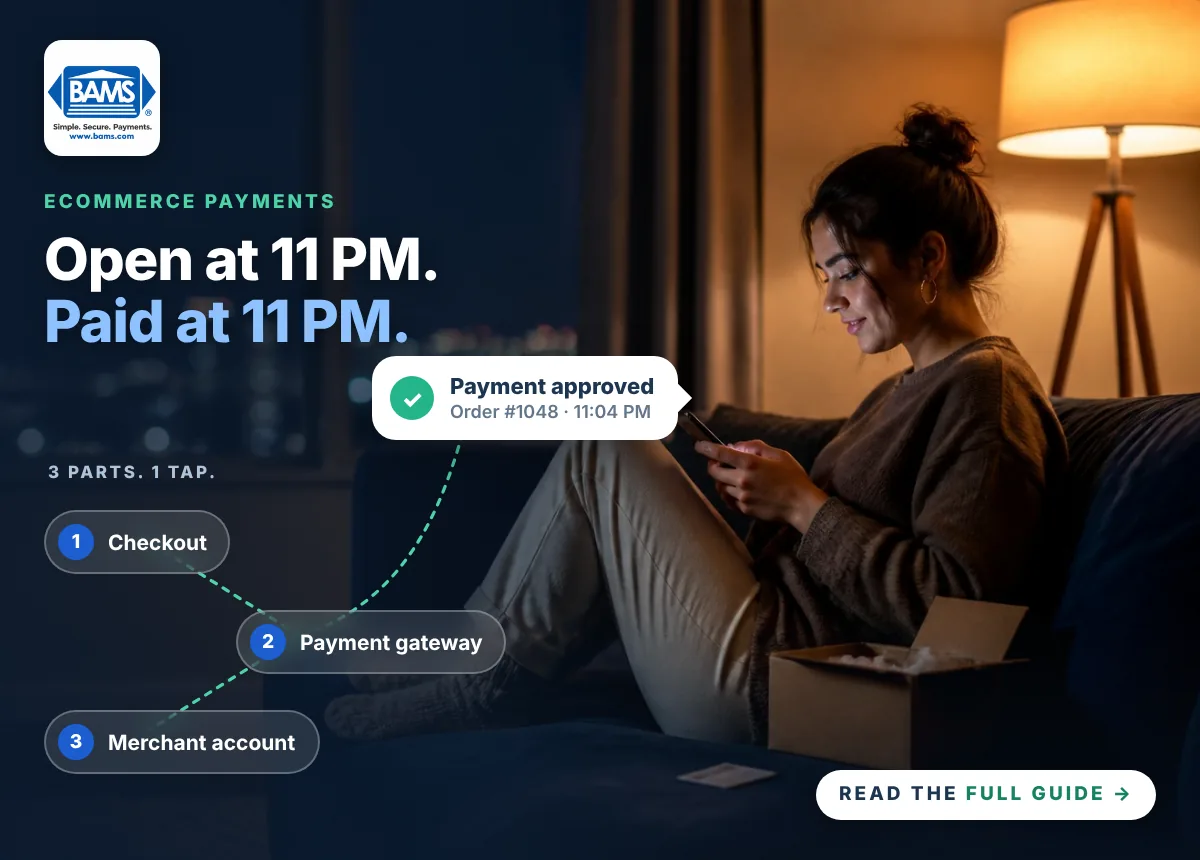
- Three parts work together. You need a merchant account, a payment gateway and a cart or checkout that connects to both.
- Costs have layers. You pay interchange, card network fees and your processor’s markup on each sale.
- Security matters. PCI compliance, tokenization and fraud tools protect your customers and your business.
Why Every Site Needs eCommerce Payment Processing
Online shopping is now a big part of how people buy. In fact, the U.S. Census Bureau reports $340.2 billion in eCommerce sales in the second quarter of 2026. That’s up 12.2% from a year earlier.
So if your site only lists products or asks people to call, you’re likely losing sales. A customer ready to buy at 11 PM won’t wait until you open. Instead, they’ll buy from a site with a working checkout.
The good news is that setup is easier than ever. Most shopping carts now connect to payment providers with a few settings and keys.
How eCommerce Payment Processing Works
Every online payment follows the same basic path. It usually takes just seconds:
- Checkout: The customer enters card details or taps a digital wallet such as Apple Pay.
- Gateway: Your eCommerce payment gateway encrypts the data and sends it on.
- Processor: Your payment processor routes the request through the card network to the customer’s bank.
- Approval: The issuing bank checks the account and approves or declines the sale.
- Settlement: After you batch your sales, the funds move into your business bank account.
Because the card isn’t physically present, these are called card-not-present transactions. As a result, they need extra checks to confirm the buyer, which we cover below.
What You Need for eCommerce Payment Processing
A Merchant Account
A merchant account lets your business accept card payments and receive the funds. With a dedicated eCommerce merchant account, you get your own account instead of sharing one with thousands of other sellers.
A Payment Gateway
The gateway is the secure link between your checkout and your processor. Some providers include their own gateway. Others let you connect a gateway you already use.
A Cart or Checkout That Connects
Your shopping cart has to talk to your gateway. Popular platforms like WooCommerce, BigCommerce and Magento support many gateways. However, some hosted platforms charge an extra fee when you use an outside processor. Read our WooCommerce vs Shopify guide to see how that works.
What eCommerce Payment Processing Costs
Each card sale carries a few layers of fees:
- Interchange: Set by the card networks and paid to the customer’s bank.
- Network fees: Small assessments charged by card brands such as Visa and Mastercard.
- Processor markup: What your provider charges for its service.
- Gateway fees: Some gateways add a monthly or per-transaction fee.
Online rates are often higher than in-store rates. That’s because card-not-present sales carry more fraud risk. So before you sign, ask for your full rate and every monthly fee in writing.
How to Keep Online Payments Secure
Online sellers face more fraud than store counters. Fortunately, the right tools lower that risk:
- PCI compliance: The PCI Data Security Standard sets the rules for protecting card data.
- Tokenization: Replaces card numbers with tokens, so your systems don’t store real card data.
- AVS and CVV checks: Confirm the billing address and security code match the card.
- 3-D Secure: Lets the card issuer verify the buyer during checkout.
These tools also help you avoid costly disputes. To learn more, read why chargeback prevention starts with fraud prevention.
How to Choose an eCommerce Payment Processing Provider
Not every provider fits every business. Ask these questions before you choose:
- Are your rates published or quoted in writing?
- Does the account work with my cart and my current gateway?
- Which digital wallets can my customers use?
- How fast will I get my money?
- What fraud and chargeback tools are included?
- Will I have a real person to call for support?
Accept Online Payments With BAMS
BAMS publishes its rates: 1.65% + 20¢ for in-person payments and 2.20% + 20¢ for online payments. Plus, eligible merchants get next-day funding at no extra cost.
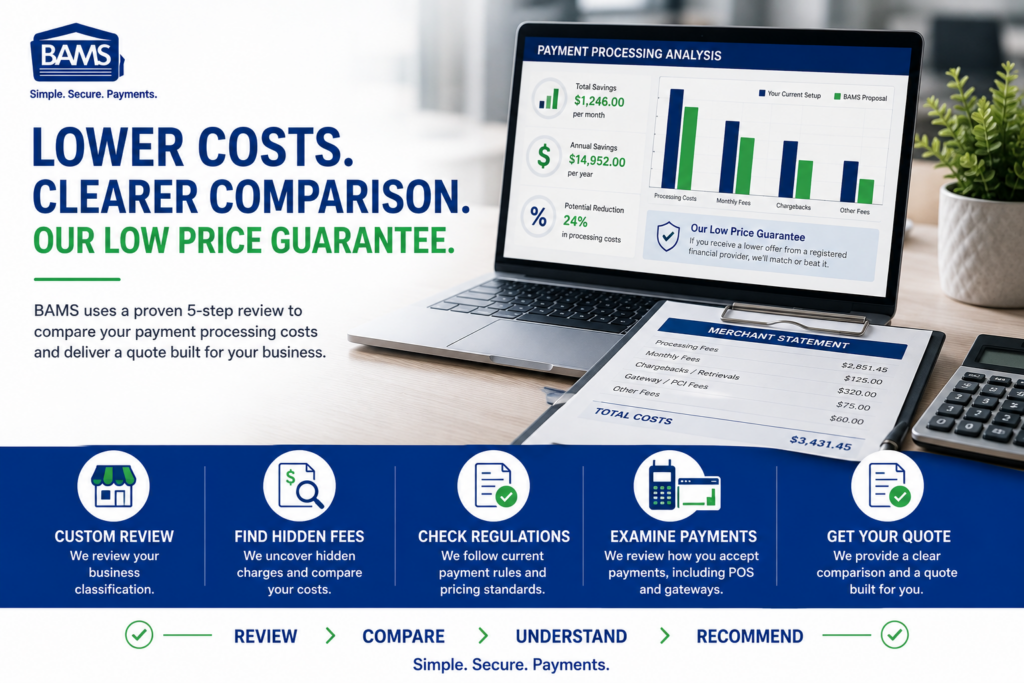
BAMS also connects to the tools you already use. For example, it integrates with WooCommerce, BigCommerce, Magento and custom-built stores. You can also use the BAMS Payment Gateway or connect your Authorize.Net gateway, since BAMS is an Authorize.Net Preferred Reseller. See the full list of WooCommerce integrations, then get a five-point price comparison.
Frequently Asked Questions
What is eCommerce payment processing?
It’s the system that lets an online store accept card and digital wallet payments. It also moves the funds into the merchant’s bank account.
Do I need a merchant account to sell online?
You need some way to accept cards. A dedicated merchant account gives you your own account, rates and support instead of a shared one.
What’s the difference between a gateway and a processor?
The gateway securely sends payment data from your checkout. The processor then routes the transaction to the card networks and banks.
Why are online processing rates higher?
Online sales are card-not-present, so the risk of fraud is higher. As a result, interchange rates for these sales are usually higher too.