
How PayPal’s New Refund Policy Impacts Your Business and What You Can Do About It
Last Updated on October 26, 2026 by Dimitri Akhrin
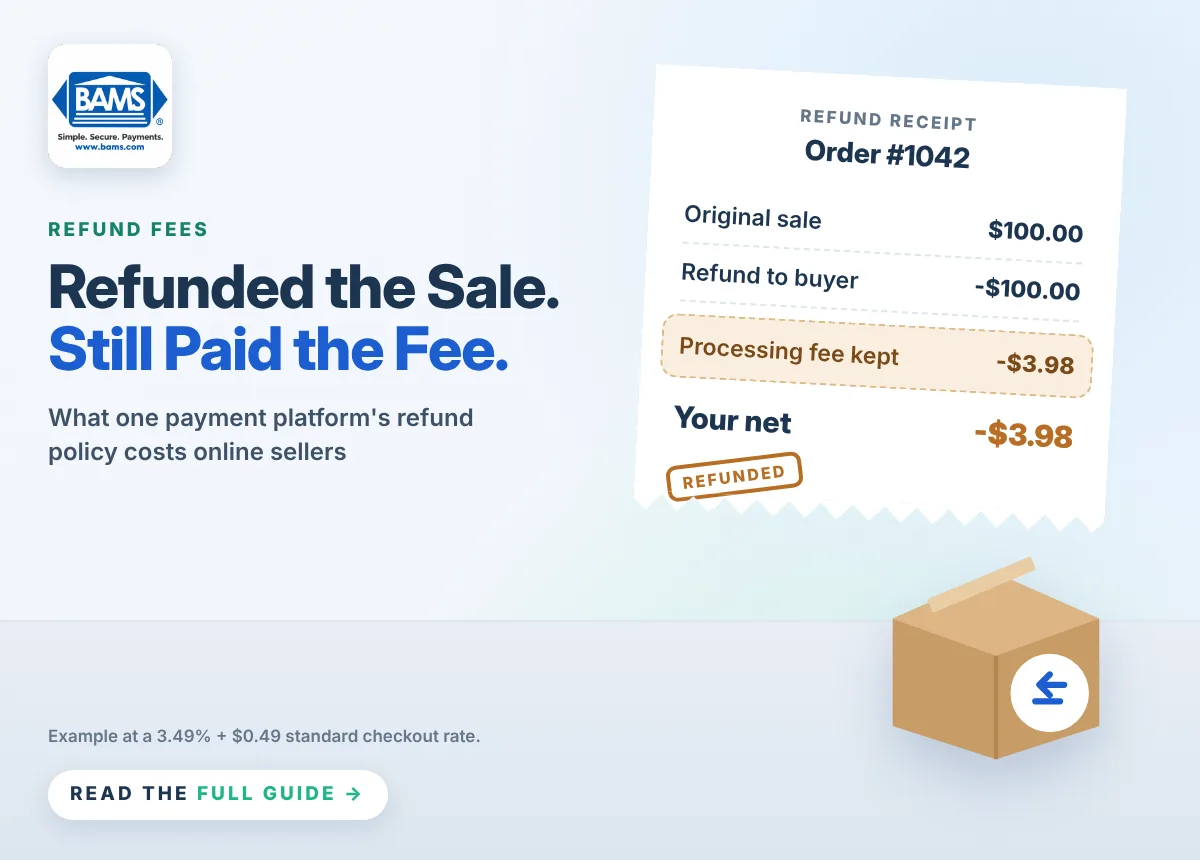
Refunds are a normal part of selling online. Still, with PayPal, every refund costs you more than the sale price. Under the PayPal refund policy, the fees you paid to receive a payment stay with PayPal, even when you send the full amount back to the buyer.
Below, we explain what the policy says today, how much it can cost your business and what you can do to protect your margins.
TL;DR
- Fees aren’t returned. The PayPal refund policy lets PayPal keep the fees you paid on a sale when you refund it.
- The cost adds up. At PayPal Checkout’s standard rate, a $100 refund still costs you $3.98.
- Prevention helps. Clear product details and fast support reduce refunds in the first place.
- Compare processors. Ask every provider exactly how refunds affect your fees before you sign.
What the PayPal Refund Policy Says Today
PayPal first stopped returning seller fees on refunds in 2019. That rule still applies. According to PayPal’s U.S. fee page, there are no fees to make a refund. However, the fees you originally paid to receive the payment are not returned to you. This applies to both full and partial refunds.
In other words, PayPal doesn’t charge a separate refund fee. Instead, you simply lose the fee you already paid.
How Much the PayPal Refund Policy Costs Your Business
PayPal’s standard U.S. rate for PayPal Checkout is 3.49% plus a $0.49 fixed fee per commercial transaction. Here’s what that means when you refund a sale:
| Order value | Fee kept by PayPal | Cost of 100 refunds |
|---|---|---|
| $50 | $2.24 | $224 |
| $100 | $3.98 | $398 |
| $500 | $17.94 | $1,794 |
These examples use PayPal’s published standard rate. Your actual rate may differ based on your account and payment method.
Who Feels It Most
High-ticket sellers lose the most per refund, since the percentage fee grows with the order size. Similarly, high-volume stores and B2B sellers with large orders can lose thousands of dollars a year to fees on refunded sales.
Common Causes of Refunds
Many refunds are out of your control. Still, knowing the causes helps you spot the ones you can prevent:
- Duplicate payments when a buyer pays twice by mistake
- Buyer’s remorse after a customer changes their mind
- Wrong size, color or fit that doesn’t match expectations
- Damaged or late deliveries during shipping
- Unclear product details that lead to the wrong purchase
How to Reduce Refund Losses
You can’t avoid every refund. However, these steps can cut how often they happen and how much they cost.
1. Improve Your Product Pages
Use clear photos, accurate sizing charts and honest descriptions. As a result, customers know exactly what they’re buying.
2. Offer Exchanges and Store Credit
An exchange keeps the sale on your books. Likewise, store credit keeps the revenue and brings the customer back.
3. Catch Duplicate Payments Early
Review orders daily for duplicates. Then contact the buyer before you ship, so you can cancel cleanly.
4. Respond Fast to Problems
Quick, helpful support can solve an issue before a customer asks for their money back. It can also stop a dispute from turning into a chargeback.
Compare How Processors Handle Refunds
Refund terms vary from provider to provider. So before you choose a processor, ask these questions:
- Is any part of the original fee returned when I refund a sale?
- Is there a separate fee to process a refund?
- What are my rates for in-person and online payments?
- Are my fees itemized on my statement?
Get the answers in writing as part of your quote. That way, you can compare the true cost of each option.
See How BAMS Compares
BAMS publishes its rates: 1.65% + 20¢ for in-person payments and 2.20% + 20¢ for online payments. Plus, every merchant gets a dedicated support specialist. PayPal: U.S. Merchant and Business Fees


